Master Test Catalog
Description, Purpose and Objective
NOTE
The Master Test Catalog (or Tests) view is the fundamental quality control module in charge of defining the analytical parameterization and measurement methods applied in the organization.
An Assay is the specific methodological combination used to quantify an analyte. It is defined by five key attributes:
- Measuring: The analyte or chemical/biological component under analysis (e.g. Glucose, Cholesterol).
- Area: The clinical processing section (e.g. Clinical Chemistry, Hematology, Immunology).
- Method: The technology or chemical principle of measurement (e.g. Hexokinase, Spectrophotometry).
- Manufacturer: The commercial company that supplies the reagents (e.g. Roche, Siemens).
- Unit: The physical unit of measurement in which results are reported (e.g. mg/dL, mmol/L).
- Slide # Gen: Optional numerical parameter required exclusively for certain analytical methods based on dry chemistry or slides.
The objective of this view is to standardize the organization's analytical library, serving as a mandatory master catalog for the configuration of Quality Control Tests (QC Tests).
Context of Use
This module is operated by laboratory quality coordinators and technical directors to:
- Define the analytical offer: Register the active assays in the organization's analyzers.
- Standardize methods and units: Ensure that all results from the same technique use the same method and unit for group analysis (peer group).
- Purge the catalog: Hide or archive old methodological combinations that are no longer processed, keeping the catalog clean without losing the history of previous results.
Possible Actions
1. Consult and Filter Test Catalog
Shows an interactive table with all registered assays detailing: Measurand, Method, Unit, Area, Manufacturer, Slide # Gen and Registration Date.
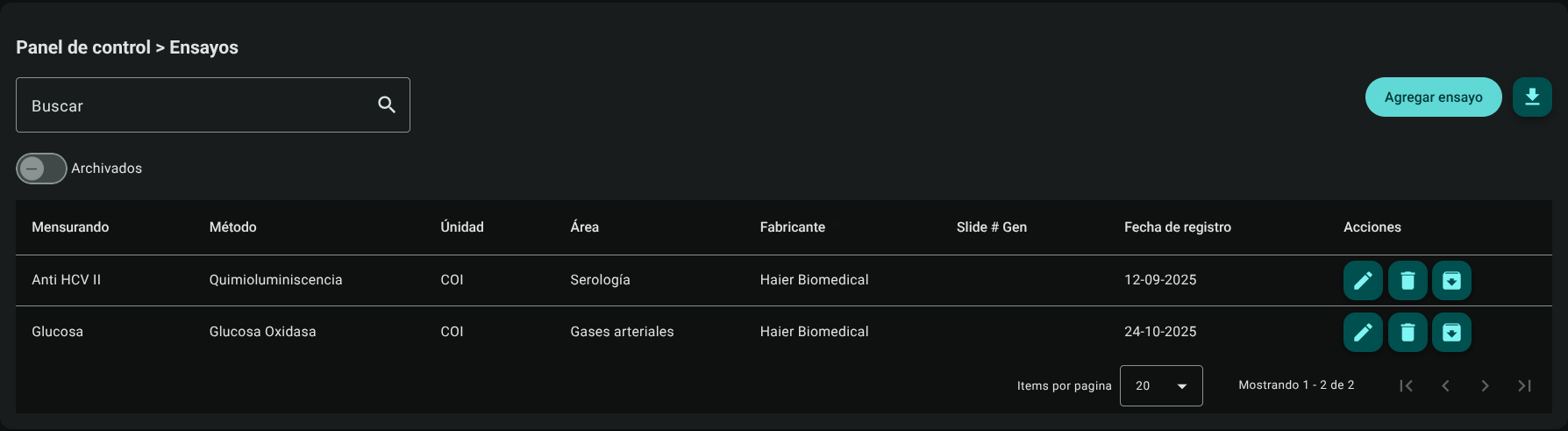
The upper search engine allows you to filter in real time by any of these columns.

2. Add an Essay
To register a test in the system:
- Click the "Add Essay" button in the upper right corner.

- Complete the form in the side panel by selecting options from the autocomplete lists (which load system constants):
- Measuring: Select the analyte from the list.
- Area: Specify the clinical area.
- Method: Select the analytical technique.
- Manufacturer: Indicate the commercial brand of the reagent.
- Unit: Define the physical reporting unit.
- Slide # Gen (Conditional): This field will be automatically enabled if the selected method belongs to the dry chemistry category that requires slide or plate identification.
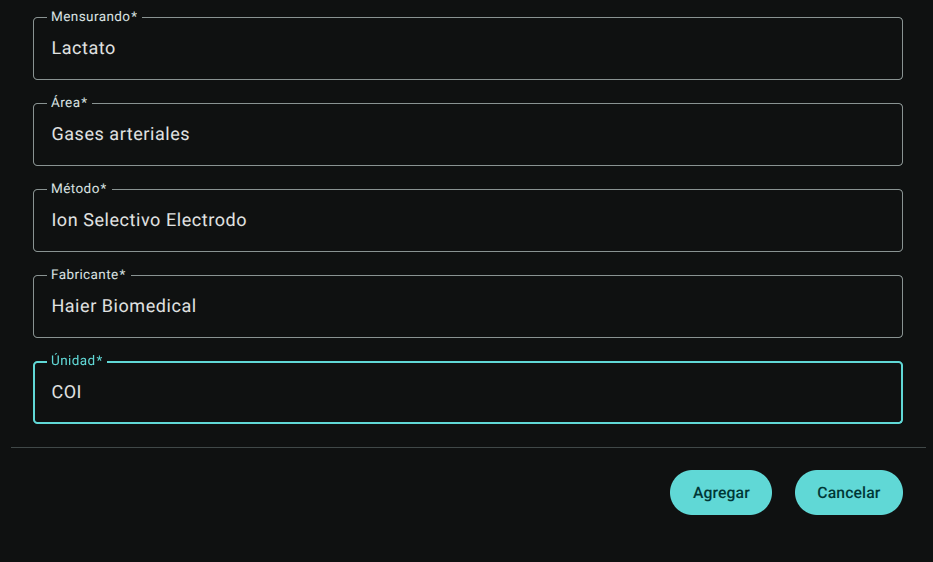
- Click "Add" to save the record. The test will be immediately displayed in the main table.

3. Edit an Essay
If you need to adjust the manufacturer, method or correct the unit:
- Click "Edit" (pencil icon ✏️) in the essay row.
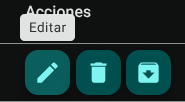
- Adjust the parameters in the preloaded side panel.
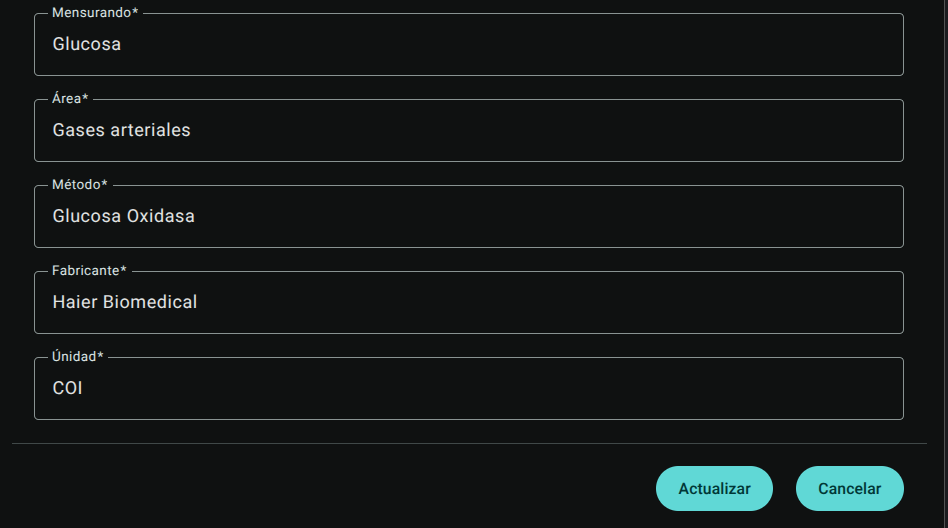
- Click "Update" to confirm.

4. Delete an Essay
To permanently delete an essay:
- Click the trash icon (🗑️) for the corresponding essay.
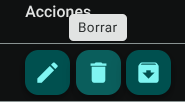
- confirm the action in the modal.
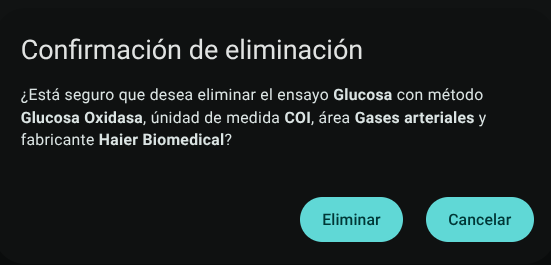
WARNING
The system will automatically block the deletion of any test that is already linked to an active or historical QC Test (Quality Control Test) in the organization. For these cases, the correct option to debug the menu is Archive the essay.
5. Archive and Unarchive Essays
It allows you to visually remove obsolete or inactive tests from the catalog without deleting their historical data associated with previous quality controls:
- Archive: Click the "Archive" button (folder or drawer icon 📥) in the essay row. The record will disappear from the main view and will no longer be presented as an option in the new forms.
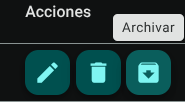
- View Archived: Turn on the "Archived" switch at the top left of the table. The table will change to list only archived trials.


- Unarchive: While in the archived view, click the "Unarchive" icon (up arrow or restore icon) to return the essay to the active catalog.

6. Export Test Catalog
Click the download button in the header to download the trial database (active or archived depending on the view you are in) in .CSV format.
Required Technical Permits
Access to the calibration and measurand library is restricted by the following permissions:
assays_read: Grants access to the module and reading of the test table.assays_create: Enables the creation of new assays linking analytes and methods.assays_update: Authorizes modification of test components and archive/unarchive action.assays_delete: Allows you to delete from the database those trials that do not have records or linked control tests.assays_export: Allows you to download the lists in.CSVformat.