Manufacturer Means and Standard Deviations
Description, Purpose and Objective
NOTE
The Manufacturer Means and Standard Deviations view is the module in charge of consulting, recording, exporting and managing the manufacturer Means and Standard Deviation (SD) parameters assigned by certificate.
A Media / Manufacturer SD record contemplates the following key parameters:
- Instrument: Selected equipment or analyzer.
- Version: Associated program or event.
- Batch and Cycle: Identification of the control batch and evaluation cycle.
- Mean Assigned by Certificate: Theoretical target value declared in the official insert or certificate.
- SD Assigned by Certificate: Theoretical dispersion declared by the manufacturer.
The objective of this module is to define the theoretical baseline assigned by certificate to compare the analytical performance obtained against the commercial parameters of the control input.
Context of Use
This module is used by technical directors and analytical coordinators to:
- Record theoretical parameters: Assign the Mean and SD values declared in the manufacturer's certificate.
- Export and audit theoretical values: Generate consolidated reports of current insert parameters.
Possible Actions
1. Consult and Filter Records
- Use the search bar (Search) to locate specific data for means or deviations.
- Click on the column headers (Instrument, Version, Cycle, Batch, etc.) to toggle the table sorting ascending or descending.
- The table updates its values and order in real time after applying filters or changing the order of the columns.
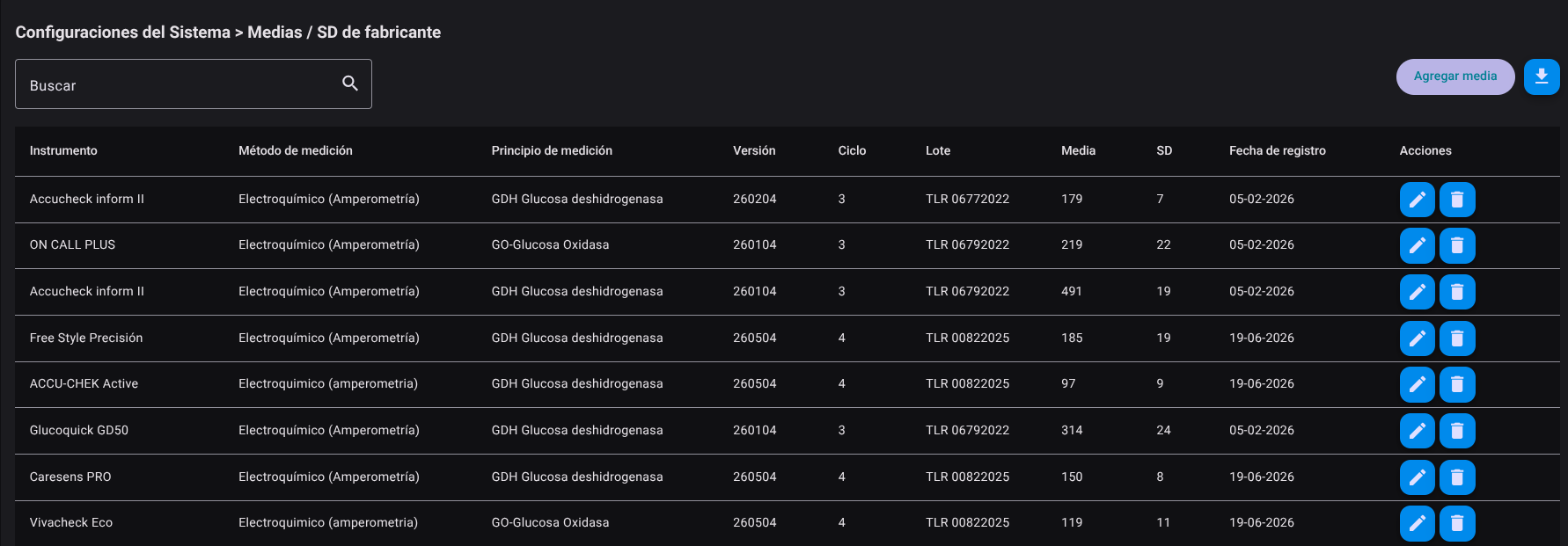
2. Register New Media / Manufacturer SD
- Click the "Add Media" button located in the upper right corner.

- In the side form that is displayed, fill out the required fields:
- Instrument* (select equipment from drop-down menu).
- Version* (select the associated program or event).
- Lot*
- Cycle*
- Average assigned per certificate*
- SD assigned by certificate*
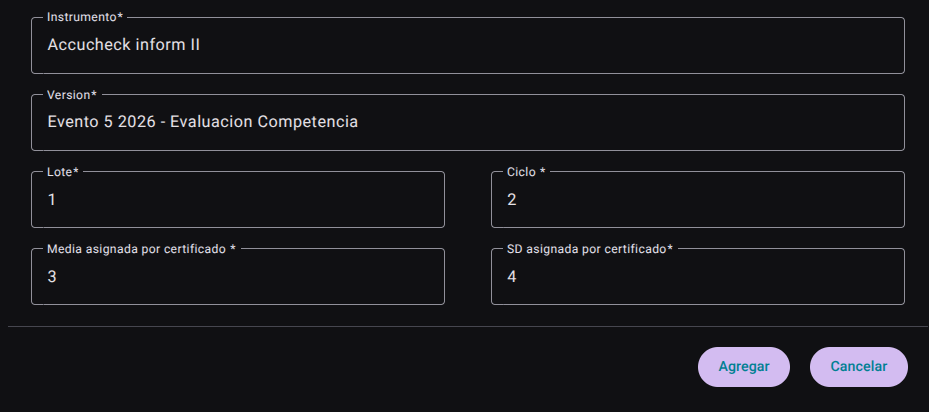
- Press the "Add" button to save the settings (or "Cancel" to close the panel without keeping the changes).

3. Edit an Existing Record
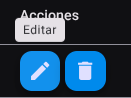
- In the corresponding record row within the main table, locate the Actions column. Click the edit button (Edit, pencil icon).
- Open the side panel with the loaded information to modify the batch, cycle, assigned mean, or assigned SD values.
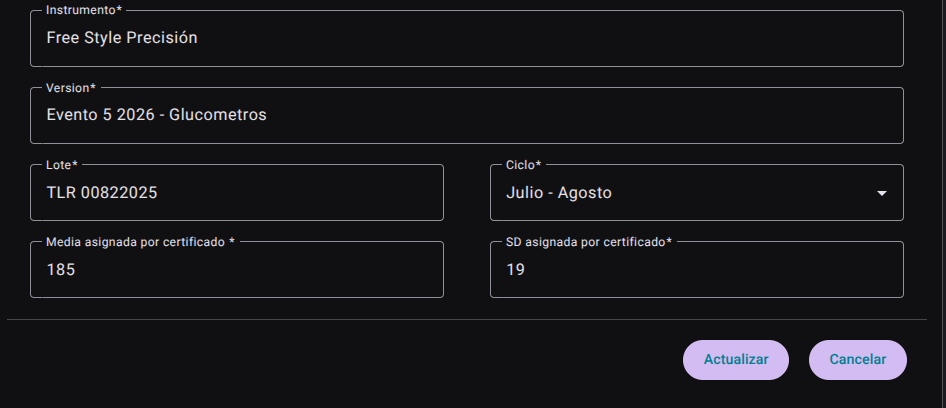
- Press "Refresh" to update the log in real time.

4. Delete a Record
- In the Actions column of the corresponding row, click the "Delete" button (trash can icon).
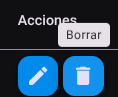
- Confirm the action to permanently delete the selected record from the system.
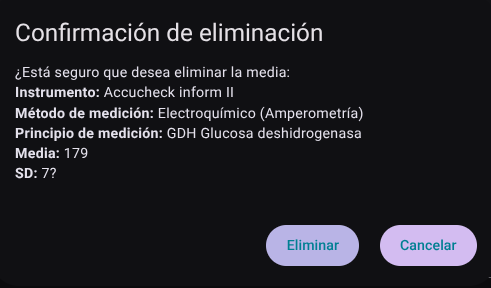
5. Export Manufacturer Stockings
- Click the download icon button (Export Stockings) located at the top right of the view.

- The file
.CSVwith the consolidated report of the registered averages will be downloaded directly.
Roles and Permissions Required
Access to this parameterization module is reserved for the roles of Quality Director, Laboratory Coordinator and System Administrator. Requires the following technical permissions:
- Display and Audit:
manufacturer_means_read(allows you to consult the list, filter parameters and audit the current configurations). - Management and Writing:
manufacturer_means_create,manufacturer_means_updateand