System Products and Licensing
Description, Purpose and Objective
NOTE
The System Products view is the administrative console in charge of the general administration of platform products and applications, allowing you to define visual themes, file limits, downtime and support access.
A System Product includes the following configuration parameters:
- General Data: Product*, Product Name* and Organization.
- Times and Limits: Idle time (minutes)* and General size limit (MB)* (must be greater than 5 MB).
- Visual Themes: Default theme* and selection of Available Themes using the add button (+).
- Texts and Links: Welcome message*, Logo URL, Support Link and Incident Link.
- View Customization: Switches (Show tax information in profile, Show all global memberships).
The objective of this view is to centralize the global operating parameters, technical limits and white label of the licensed applications.
Context of Use
This module is used by platform administrators to:
- Configure new products: Define storage limits, session times and visual identities.
- Manage topics and support access: Customize help links and issue hyperlinks.
Possible Actions
1. Consult and Filter Products
- Enter terms in the search bar (Search products) to filter records in real time.
- Click on the column headers (Name, Product, Organization, Inactivity, etc.) to sort the list in ascending or descending order.
- The Logo, Support and Issues columns show shortcuts configured for each product.

2. Create a New Product
- Click the Add Product button located in the upper right corner.
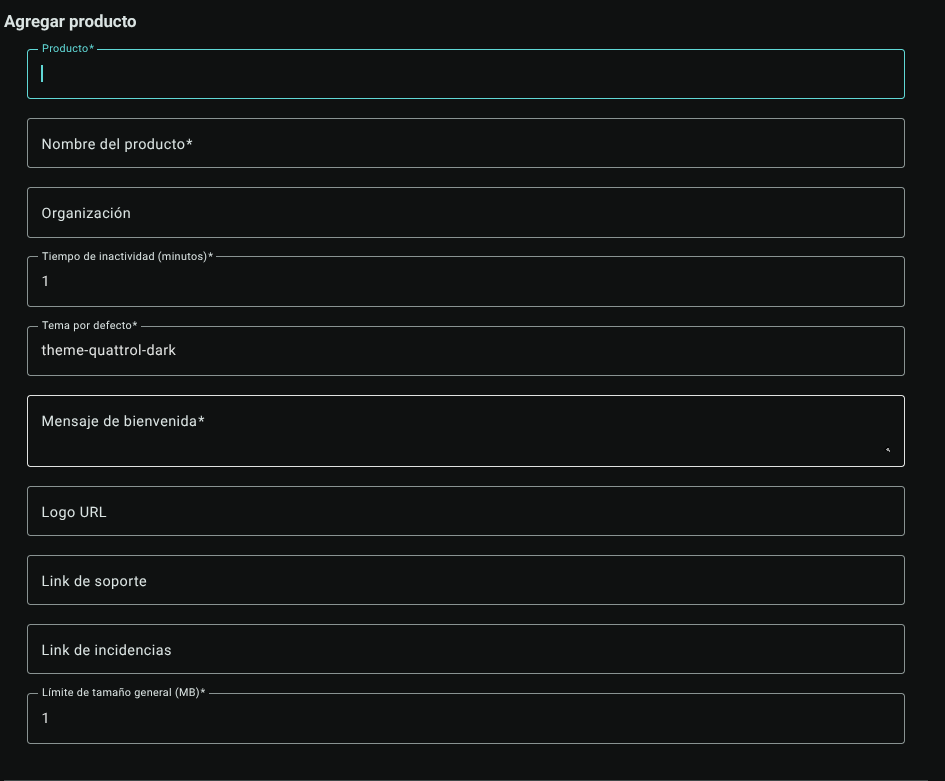
- In the side panel that appears, complete the required information:
- Product* and Product name*
- Organization
- Downtime (minutes)*
- Default theme* (select the primary visual theme from the listing).
- Welcome message*
- Logo URL, Support link and Incident link
- General size limit (MB)* (Note: must be a value greater than 5 MB; the system automatically validates this minimum).
- View Customization: Turn the switches on or off (Show tax information in profile, Show all global memberships).
- Available Themes: Choose a theme from the drop-down menu and press the **+ (Add Theme) button to enable several alternative themes. Added topics appear as labels below the selector.
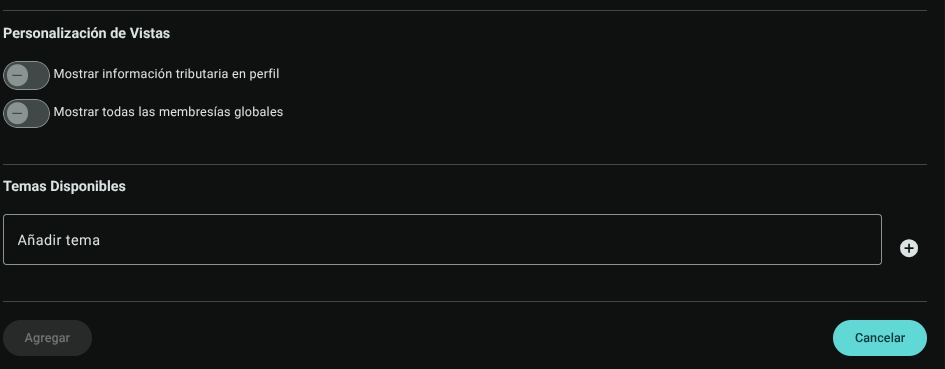
- Click ****Add" to save the settings (or "Cancel" to discard them without keeping changes).

3. Edit an Existing Product
- In the row of the desired product within the main table, locate the Actions column and click on **pencil (Edit).
- The panel with the loaded product information will be displayed, make the necessary adjustments and save using the "Update" button.
4. Delete a Product
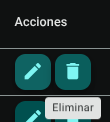
- In the Actions column of the corresponding row, click **Trash Bin (Delete).
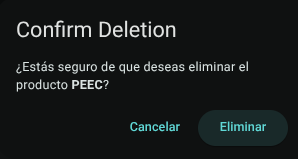
- The system will display a floating confirmation message.
Roles and Permissions Required
Access to these global system parameters is restricted to the General Administrator or Platform Support role. Requires the following permissions:
- Geographic and UI parameters:
country_read,state_read,languages_readandmenus_read. - Entities and Licensing:
memberships_read,system_products_readandconfig_refs_read. - Traceability:
tags_readandincident_tracking_read(for incident tracking). - Write Actions: Permissions with corresponding
_createand_updatesuffixes to modify system tables.